Looking for help?
-
Licensing
-
Database
-
LeanCOST
-
-
- Articles coming soon
-
LeanDESIGNER
-
- Articles coming soon
This guide shows the license update procedure.
Connect to the server or the machine where the license (software or hardware) is installed. Open a browser and browse to http://localhost:1947/ : the Sentinel Admin Control Center page will open.
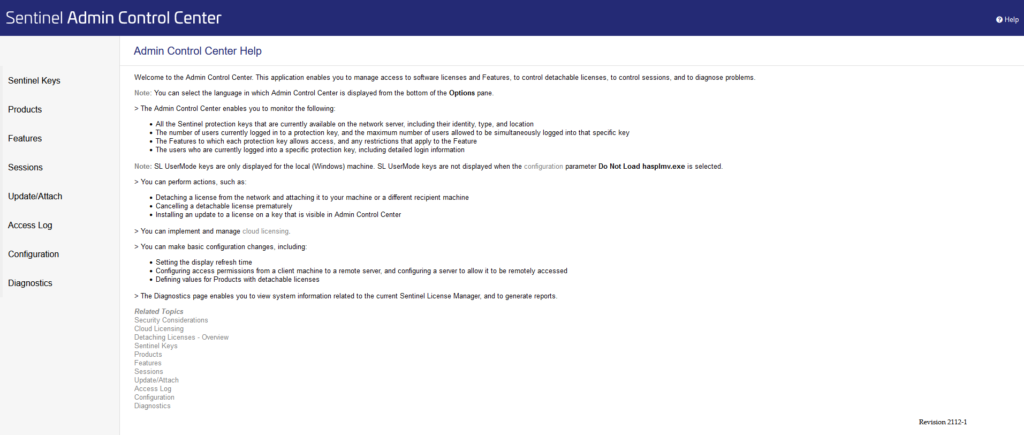
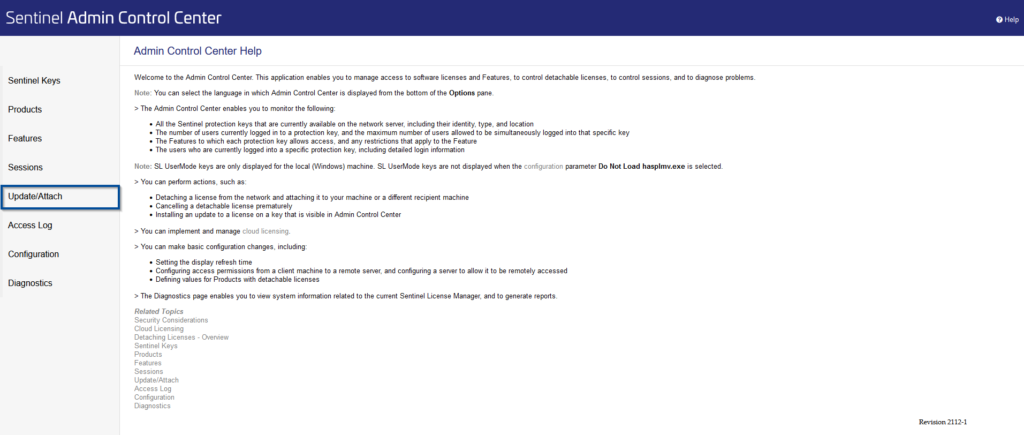
From left-side menu (“Options”) click on “Update/Attach”
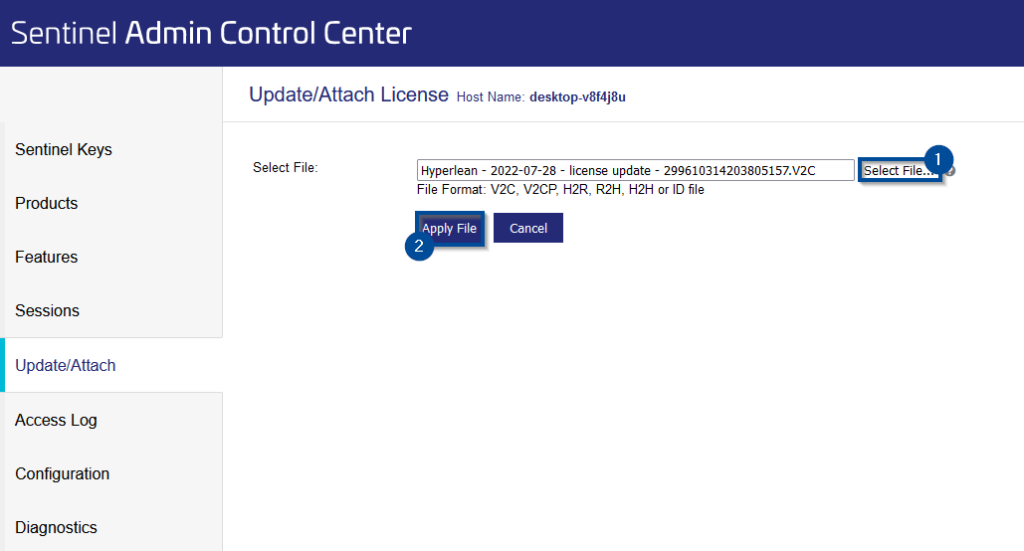
Click on “Select File…” to choose the “.V2C” file to apply.
Once you selected the file, click on “Apply File”.
If the license update has been successfully, a message will apear stating that “Your update was applied successfully”.
If you run into any problems, contact support@hyperlean.eu.
Table of Contents